手動安裝 Deep Security Agent
手動安裝 Deep Security Agent
在主機電腦上手動安裝 Deep Security Agent 的流程包括下列步驟:
- 從 Agent 軟體套件匯出 Deep Security Agent 軟體安裝程式
- 在主機電腦上執行 Deep Security Agent 安裝程式
如前所述,防護模組的元件與外掛程式,只會在您於 Deep Security Agent 上啟用該模組後,才會從 Deep Security Manager 下載。若您未將 Deep Security Agent 安裝套件匯入 Deep Security Manager,在 Deep Security Agent 電腦上啟用個別防護模組時,就無法下載所需的模組外掛程式。
匯出 Deep Security Agent 安裝程式
匯入程序完成後,Deep Security Manager 會儲存 Deep Security Agent 安裝套件(.zip),其中包含核心安裝程式(依平台為 .msi、.rpm 或 .deb)與功能套件(.dsp)。您可透過下列步驟,從 Deep Security Manager 匯出安裝程式。
步驟 1
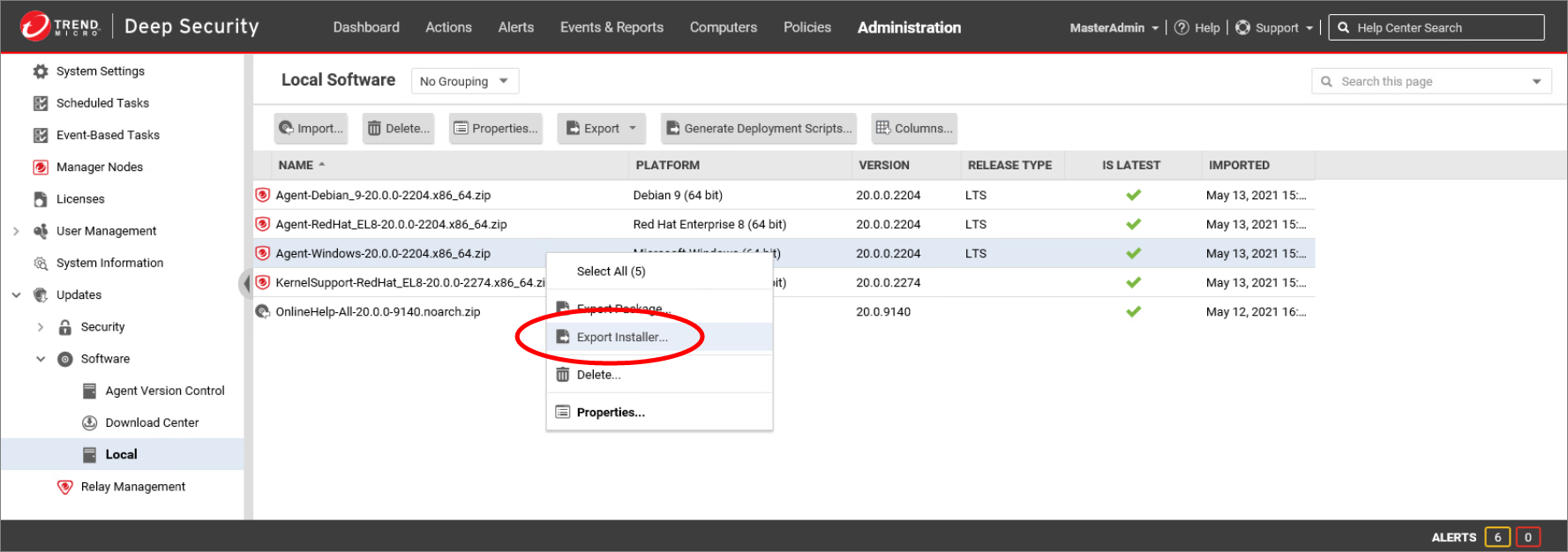
在視窗左側窗格中,展開 Updates > Software > Local。在該軟體套件的 *.zip 檔案上按右鍵,點擊 Export,並進行適當的選擇。
- 點擊 Export Package 匯出整個軟體套件。Deep Security Agent 會從此套件安裝所需的防護模組元件。
- 點擊 Export Installer 從套件中擷取核心 Deep Security Agent 安裝程式。此安裝程式是輕量套件,不含任何防護模組所需的外掛程式。當您啟用 Deep Security Agent 並開啟防護模組時,Deep Security Manager 會從資料庫中的軟體套件擷取所需外掛程式,並傳送給 Deep Security Agent 進行安裝。
步驟 2
將匯出的項目儲存至本機資料夾。
將匯出的項目複製到用戶端電腦可存取的位置。這些安裝程式也可透過您組織所使用的任何軟體派送方式提供。
在 Windows 電腦上安裝 Deep Security Agent
您必須具備管理者權限,才能在受保護的 Windows 伺服器上安裝並執行 Deep Security Agent。若受保護的伺服器是 AWS 執行個體或 Azure 虛擬機器,請使用 RDP 連線至該伺服器,並依下列步驟執行安裝程式。
步驟 1
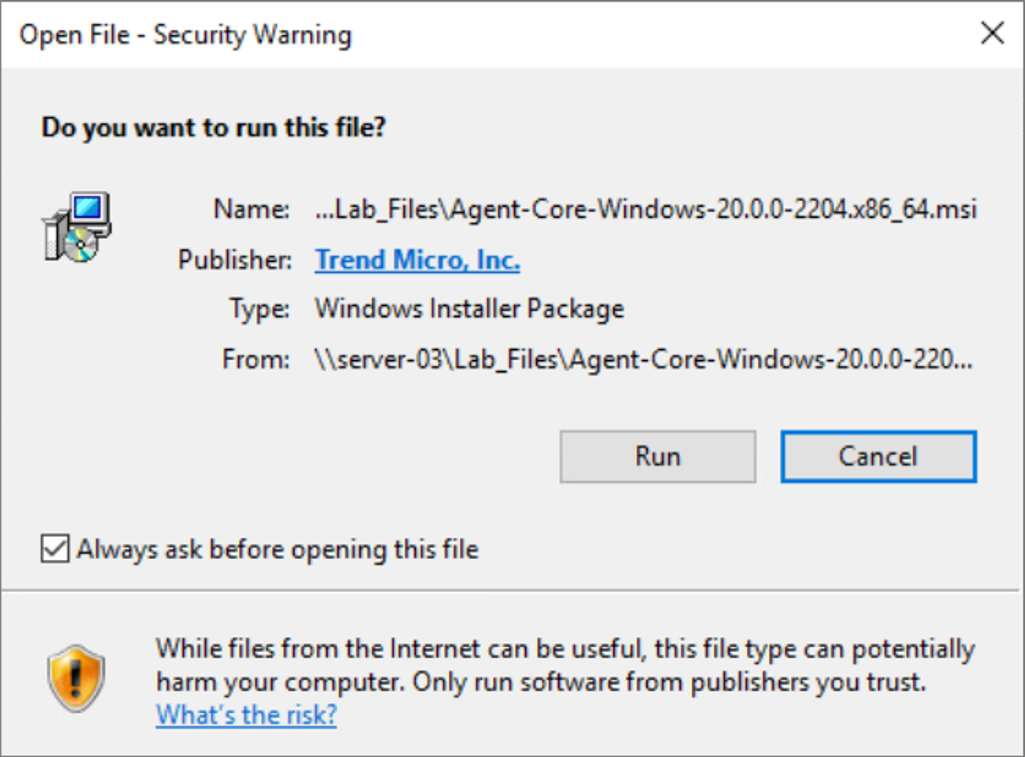
找到 Deep Security Agent 安裝程式的 *.msi 檔案(使用上述步驟從 Deep Security Manager 匯出),並雙擊該安裝檔案。
出現提示時,點擊 Run。
步驟 2
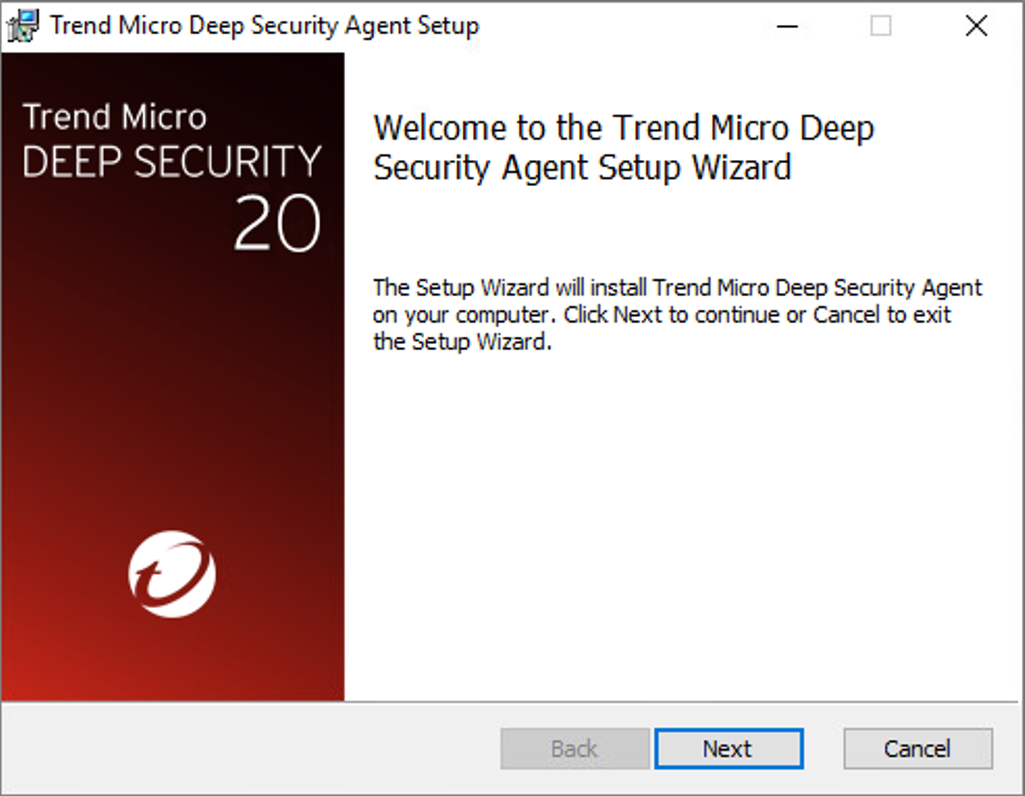
出現 Welcome 畫面時,點擊 Next 開始安裝。
步驟 3
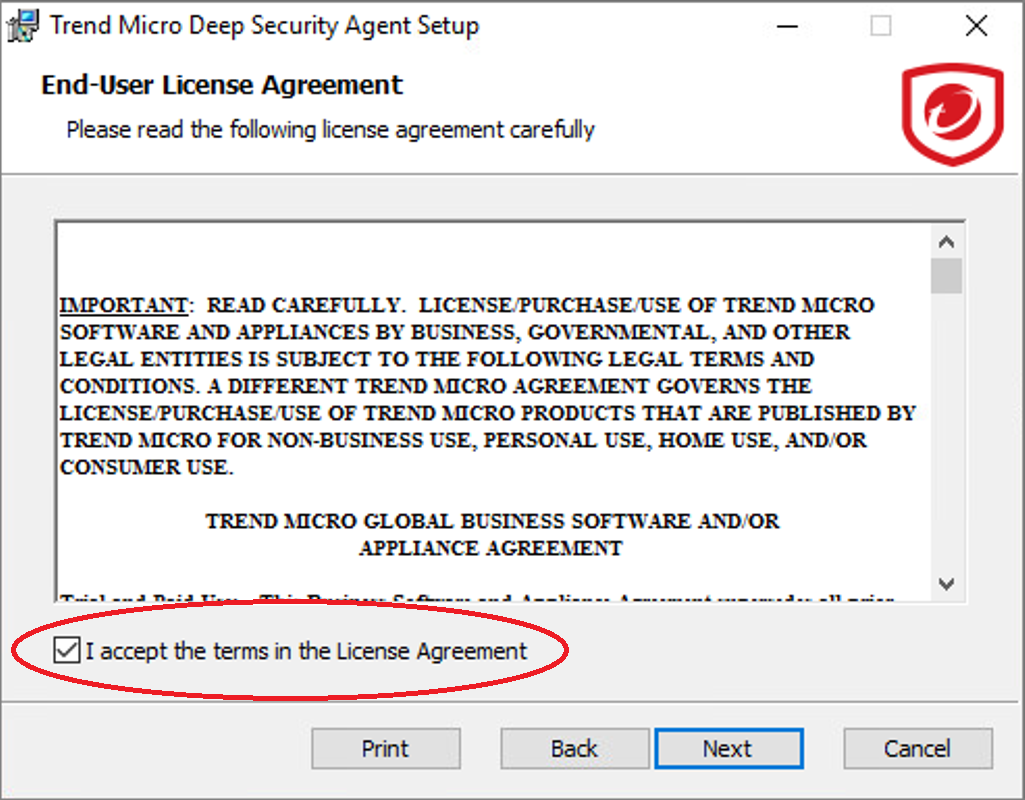
接受授權合約條款,並點擊 Next。
步驟 4
選取要安裝 Deep Security Agent 的目的資料夾,並點擊 Next。
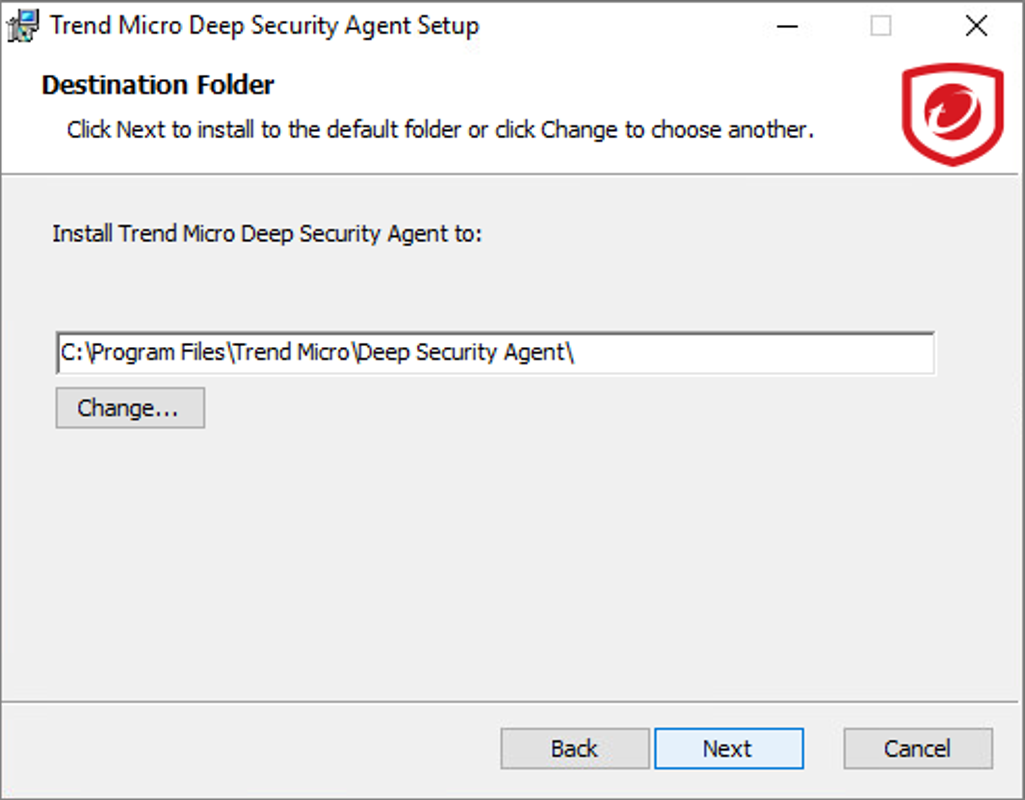
步驟 5
點擊 Install 開始安裝。
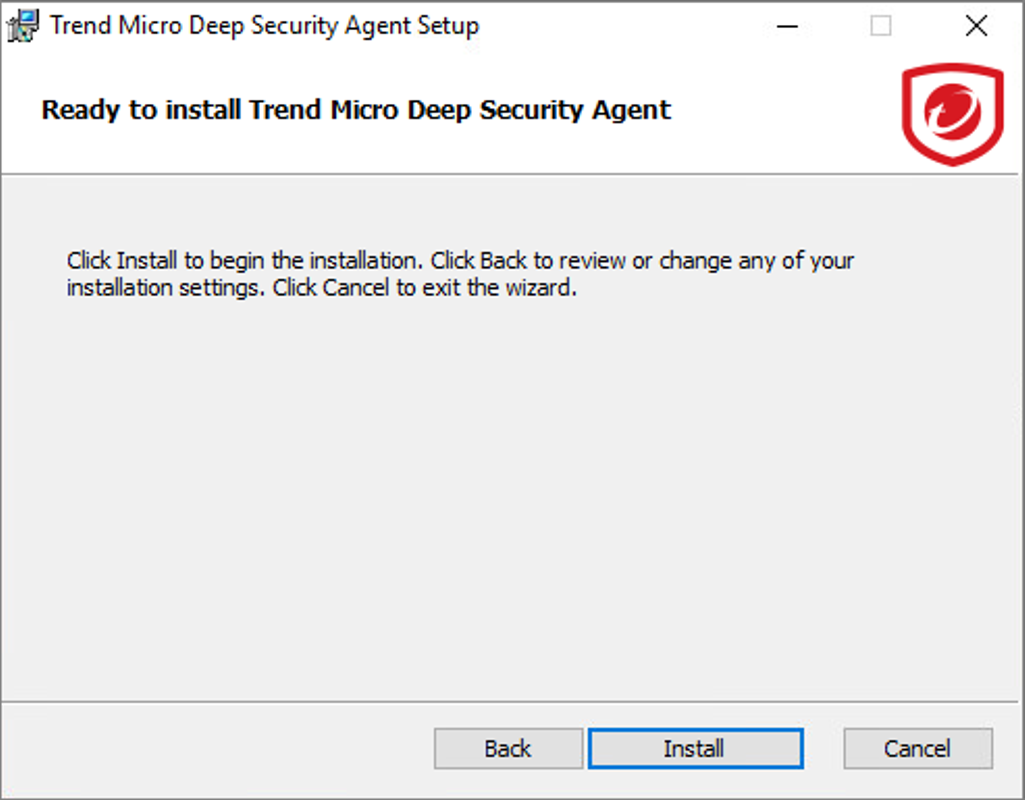
步驟 6
Setup Wizard 會將 Agent 檔案安裝到伺服器上。
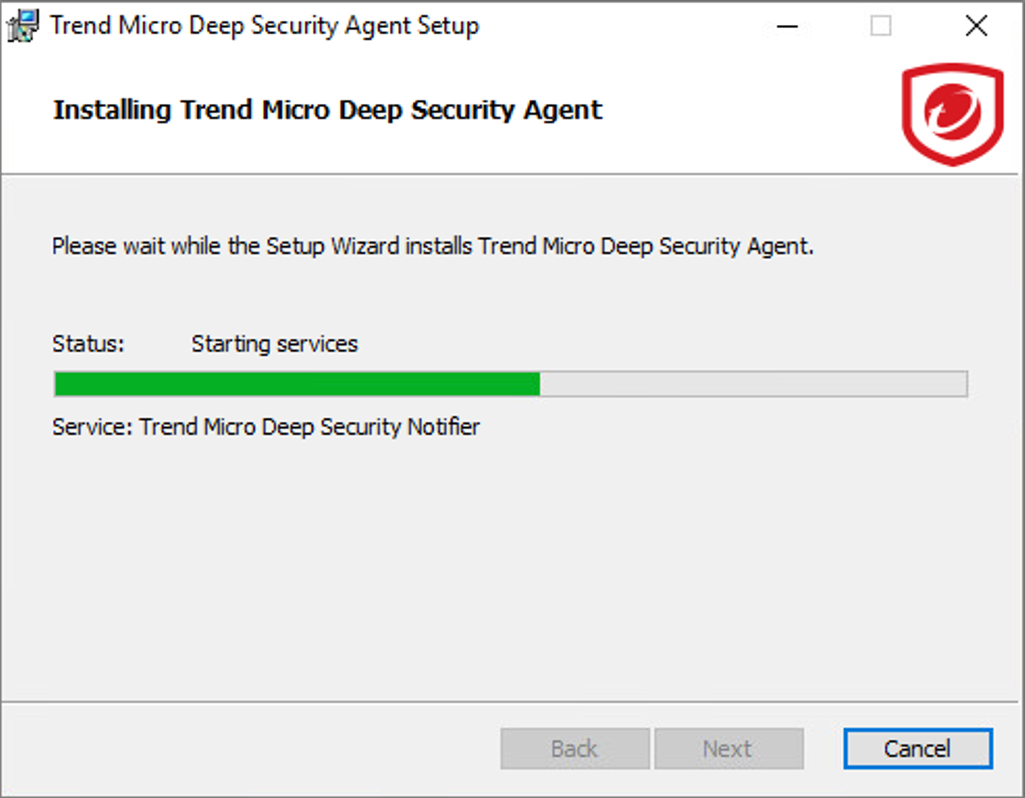
步驟 7
在 Windows Server 電腦上,Deep Security Notifier 會顯示訊息,指出該元件的安裝已完成。
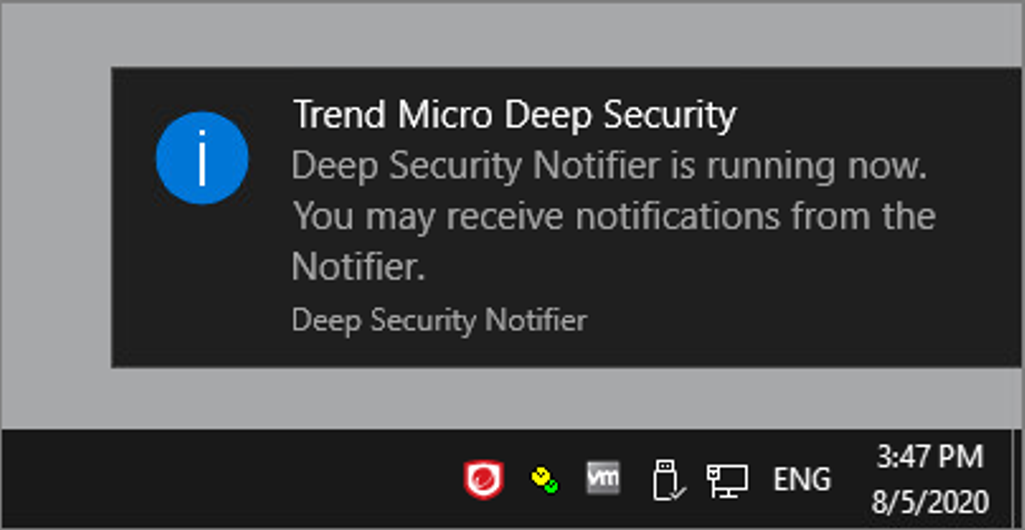
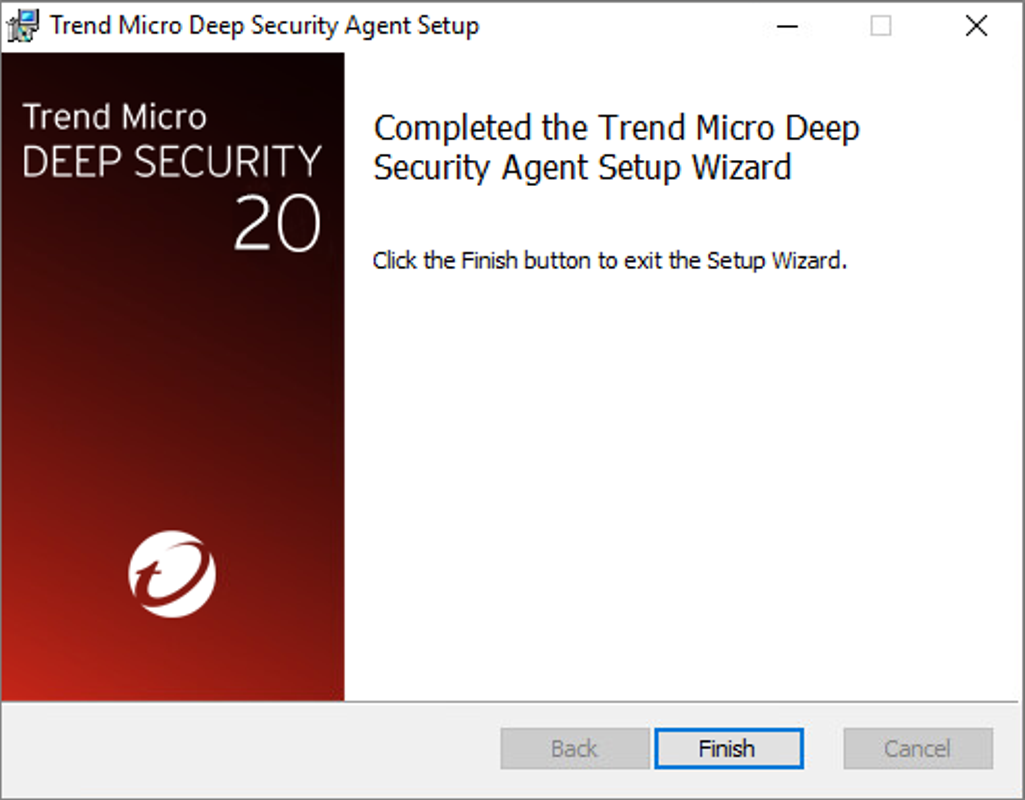
步驟 8
安裝順利完成後,點擊 Finish。
Deep Security Agent 現已安裝完成並在此電腦上執行,且每次重新啟動電腦時都會自動啟動。
在 Linux 電腦上安裝 Deep Security Agent
步驟 1
您必須具備 root 權限,才能在受保護的 Linux 伺服器上安裝並執行 Deep Security Agent。請將 Deep Security Agent 安裝程式的 *.rpm/*.deb 檔案(或使用上述步驟從 Deep Security Manager 匯出的其他安裝執行檔),複製到該 Linux 電腦上。
步驟 2
若要在 Red Hat 或 CentOS Linux 上安裝 Agent,請在終端機中輸入下列命令:
# sudo rpm -i <Agent_package_name>
其他平台
若要在其他平台上安裝 Deep Security Agent,請參閱 Online Help Center:
- Amazon Linux
- Debian
- Ubuntu
- AIX
- HP-UX
- Solaris
手動安裝示範影片
本影片示範如何使用安裝程式手動安裝 Deep Security Agent。